How to turn on header row in Notion
Here is how to turn on header row in notion
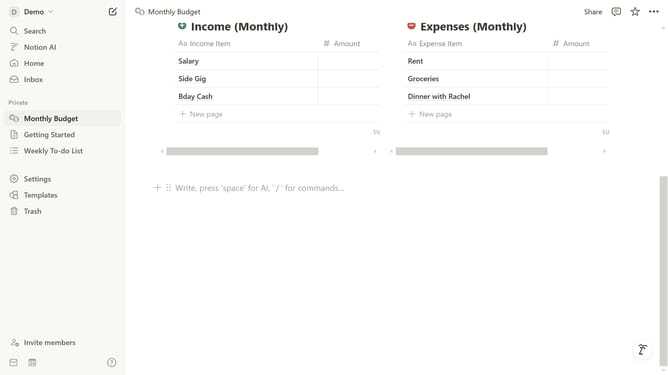
- First open the Notion page containing the table you want to edit
- Then click the six-dot handle icon next to the table block to open the options menu
- Finally click "Header row" to turn it on
Why should you turn on header row in Notion
Notion is a versatile and collaborative workspace that streamlines organization and productivity.
Activating the header row in Notion elevates your database tables by creating a distinct and visually appealing marker for the key information fields. This simple feature makes your data more organized and easier to navigate.
Utilizing the header row allows for seamless reading and understanding of data, ensuring clarity in project management, study notes, or any detailed list. It's an indispensable feature for maintaining focus and highlighting essential data.
Last update