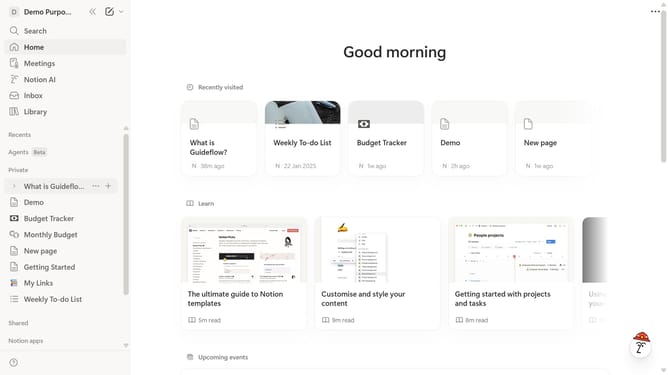
How to add 4 columns block in Notion
Here is how to add 4 columns block in notion
- First navigate to the sidebar and open the page where you want to add the 4 columns block
- Then click on the "+" button to add a new block
- Finally select "4 columns" from the dropdown menu in the content area
Why should you add 4 columns block in Notion
Notion is a dynamic workspace designed to streamline personal and team productivity through a combination of notes, tasks, and databases.
The ability to add a four-column block elevates your organizational prowess, allowing for a structured, visually appealing layout. This feature is perfect for comparing information effortlessly, ensuring data is displayed side-by-side for utmost clarity.
Embracing four columns in Notion facilitates better focus and segmentation, making your workspace not only functional but also aesthetically pleasing.
Last update