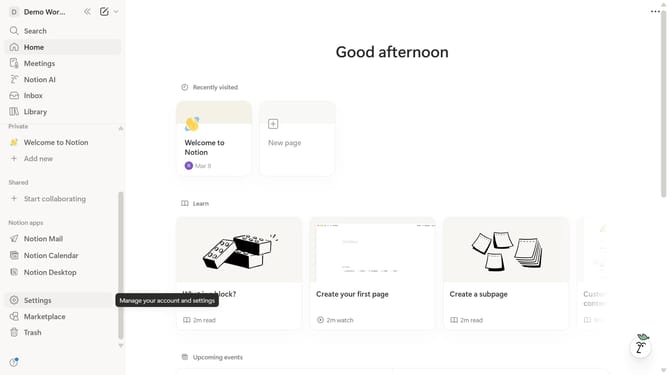
How to delete a row in a table in Notion
Here is how to delete a row in a table in notion
- First click on the page you want to edit in the left sidebar.
- Then click on the "..." button next to the row you want to edit.
- Finally click on the "Delete" option in the dropdown menu.
Why should you delete a row in a table in Notion
Notion is a versatile all-in-one workspace designed to streamline your workflow.
An essential feature in Notion is the ability to delete a row in a table effortlessly. This function enhances the clarity of your data by allowing you to remove unnecessary information quickly.
Using this feature helps maintain organized and concise tables, ensuring that the data you work with is always accurate and up-to-date. This leads to improved productivity and clearer communication of your ideas.
Ultimately, the ability to efficiently manage table rows in Notion contributes to a more dynamic and effective organizational environment.
Last update