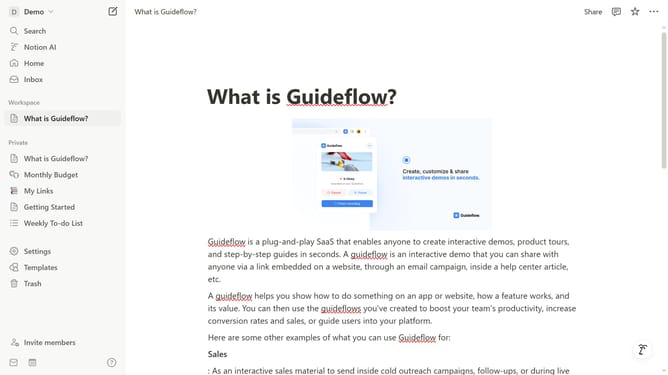
How to show recent activity on profiles in Notion
Here is how to show recent activity on profiles in notion
- First click on the workspace menu button in the top left corner of the header
- Then click on the "Settings" button in the workspace dropdown menu
- Next click on the "General" option in the workspace settings sidebar
- Finally turn on the toggle switch for "Show recent activity on people profiles" in the People section
Why should you show recent activity on profiles in Notion
Notion is a powerful, all-in-one workspace that helps you organize your life, work, and ideas seamlessly.
The "Recent Activity" feature in Notion enhances collaboration by allowing teams to keep track of updates effortlessly. This feature displays who has been working on what, ensuring everyone stays informed and up-to-date.
By highlighting recent changes in profiles, users can efficiently monitor progress and coordinate tasks, fostering a more connected and productive environment.
Ultimately, this feature streamlines communication and boosts transparency, making teamwork more efficient and cohesive.
Last update