How to add tabs block in Notion
Here is how to add tabs block in notion
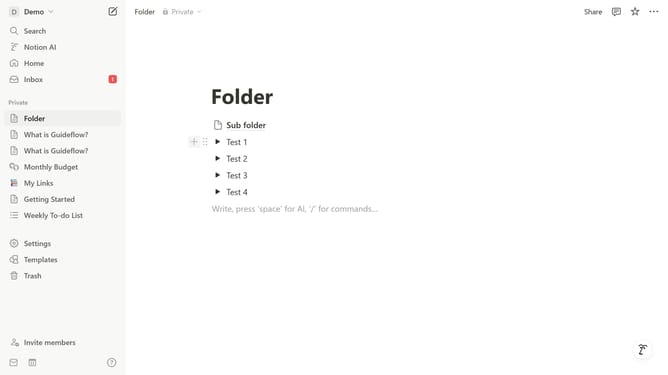
- First open the page where you want to add the tabs block
- Then, click on the "+" icon to add a new block
- Finally, select the "Tabs" option from the menu that appears
Why should you add tabs block in Notion
Notion is a versatile digital workspace designed to streamline both personal and professional organization.
Incorporating tabs in Notion enhances your productivity by allowing you to compartmentalize information efficiently. This feature organizes your workspace by enabling smooth navigation between related pieces of content within the same page.
Adding tabs not only declutters your view but also makes accessing vital information faster. This promotes a seamless user experience, boosting both creativity and efficiency.
Last update