How to enable profile discoverability in Notion
Here is how to enable profile discoverability in notion
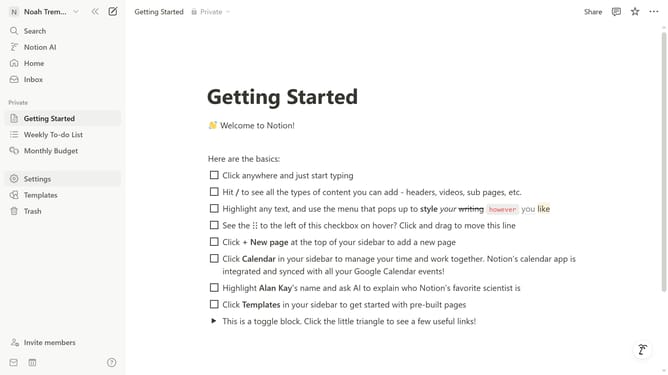
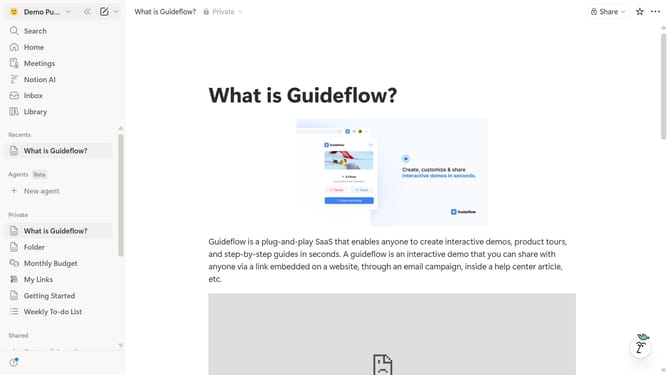
- First click on the workspace menu icon in the top left header
- Then click on the "Settings" button in the workspace dropdown menu
- Next click on the "Preferences" option in the left sidebar menu
- Finally enable the "Profile discoverability" toggle switch in the Privacy section
Why should you enable profile discoverability in Notion
Notion is a dynamic tool designed for note-taking, organization, and collaboration within teams.
By enabling profile discoverability in Notion, users can seamlessly connect with team members or collaborators, enhancing communication and project efficiency. It allows others to easily find and view your profile, which can strengthen professional relationships.
This feature fosters a collaborative environment, making it easier for colleagues to engage and collaborate on shared projects, ultimately boosting productivity and teamwork.
Last update