How to remove workspace icon in Notion
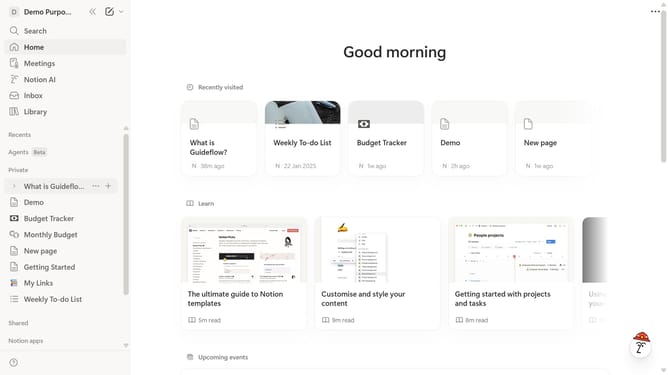
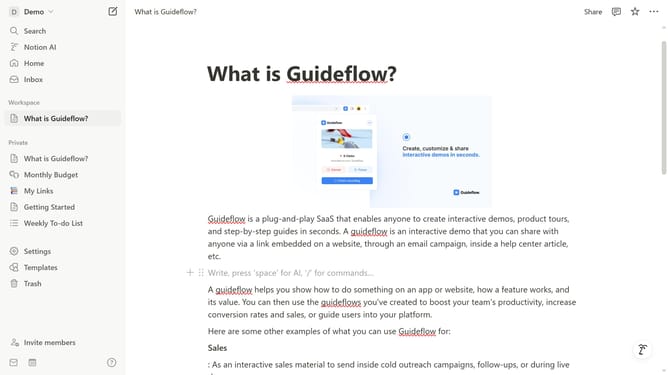
Here is how to remove workspace icon in notion
- First click on the workspace menu button in the top sidebar
- Then click on "Settings" button in the workspace dropdown menu
- Next click on "General" option in the settings sidebar under the Workspace section
- Then click on the workspace icon selector in the Icon section
- Finally click on "Remove" button to remove the current workspace icon
Why should you remove workspace icon in Notion
Notion is a versatile platform designed to streamline your digital workspace needs with ease and flexibility.
One of Notion's features allows you to remove the workspace icon, giving your workspace a more personalized touch. By removing unnecessary elements like icons, you can create a cleaner, more focused environment that enhances productivity.
This feature helps in minimizing distractions, enabling users to maintain a professional appearance in shared workspaces. It reflects a commitment to personalizing your work environment, which can lead to improved concentration and organizational efficiency.
Last update