How to turn off discoverable for public page in Notion
Here is how to turn off discoverable for public page in notion
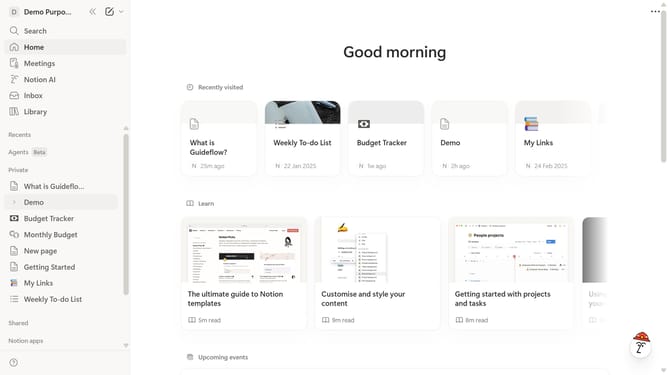
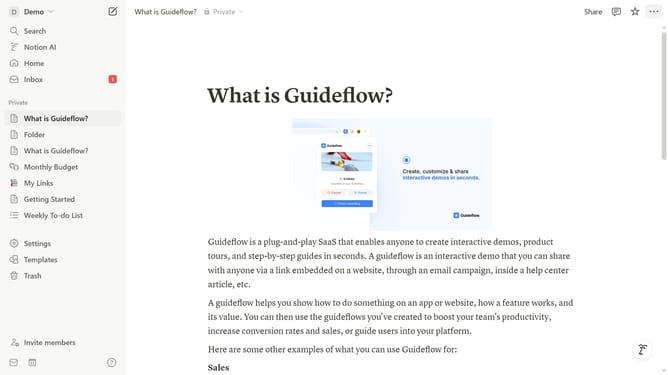
- First click on "Settings" in the left sidebar.
- Then click on "Public pages" in the left sidebar.
- Next click on the "Notion Sites" element.
- After that click on the "three dots" icon.
- Then select "Settings" from the dropdown menu.
- Next click on the "Search engine indexing" toggle.
- Finally click on the "Discoverable on the web" toggle to turn it off.
Why should you turn off discoverable for public page in Notion
Notion is a versatile workspace designed to streamline information management and collaboration.
With its public page discoverability feature, Notion offers users the flexibility to create shareable pages that can easily reach a wide audience.
By turning off discoverability, users can retain control over their content visibility, ensuring that sensitive information remains private.
This added layer of privacy fosters a secure environment for brainstorming, planning, and organizing ideas without external distractions.
Last update