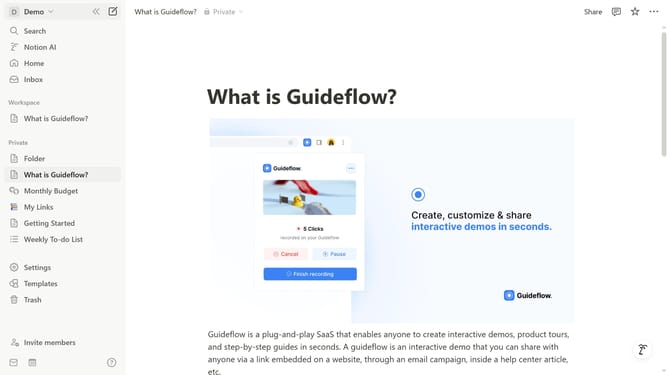
How to disable meeting summary notifications in Notion
Here is how to disable meeting summary notifications in notion
- First click on the workspace dropdown menu in the top left corner
- Then click on the "Settings" button in the workspace menu panel
- Next click on "Notifications" in the left sidebar of the settings modal
- Finally toggle off the "Meeting is being summarized" notification option
Why should you disable meeting summary notifications in Notion
Notion is an all-in-one workspace designed to streamline projects and enhance productivity effortlessly.
Disabling meeting summary notifications in Notion enhances focus and reduces unnecessary interruptions during your workflow.
By customizing your notification settings, you are empowered to concentrate on tasks that require your immediate attention, resulting in improved efficiency.
Furthermore, it allows you to manage your time effectively, creating a more seamless and less distracting digital environment.
Last update