How to add callout block in Notion
Here is how to add callout block in notion
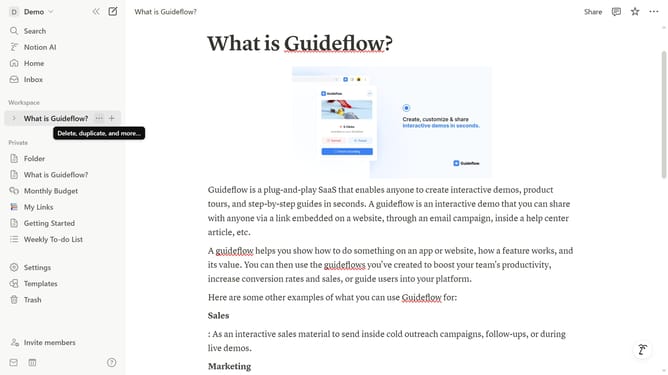
- First open the page where you want to add the callout block.
- Then click the "+" button in the workspace.
- Finally select "Callout" from the dropdown menu.
Why should you add callout block in Notion
Notion is an all-in-one workspace designed to streamline your digital life by organizing tasks, notes, and databases seamlessly.
Among its versatile features, adding a callout block stands out for bringing attention to important information with style. A callout block allows you to enhance emphasis with customizable background colors and icons, making key notes pop effortlessly.
Incorporating callout blocks not only enriches your documents visually but also boosts clarity and focus. The benefits of calling out crucial details include effective communication and a visually engaging workspace. This results in a more productive and organized environment.
Last update