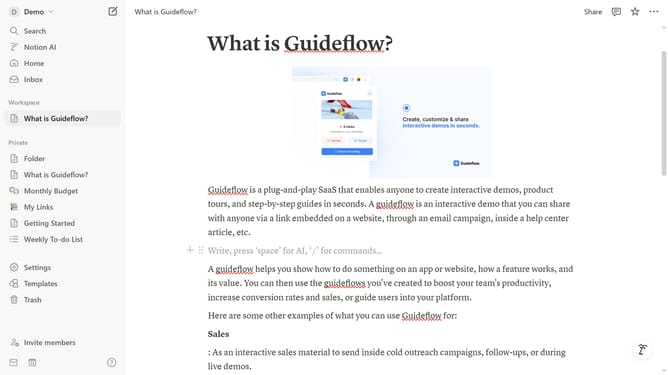
How to add form database block in Notion
Here is how to add form database block in notion
- First open the page where you want to add the form database.
- Then click on the "+" add new block button.
- Finally select "Form" from the dropdown menu in the main content area.
Why should you add form database block in Notion
Notion is a dynamic all-in-one workspace that empowers teams and individuals to enhance productivity and collaboration.
Adding a form database block in Notion offers a streamlined approach to gather and organize information seamlessly. This feature bridges the gap between data collection and database management, ensuring everything you need is at your fingertips.
By integrating a form database, users can simplify processes, reduce redundancy, and boost efficiency, making it an excellent choice for those aiming to optimize workflows smoothly. Embrace the power of structured data with ease in Notion.
Last update