How to add numbered list block in Notion
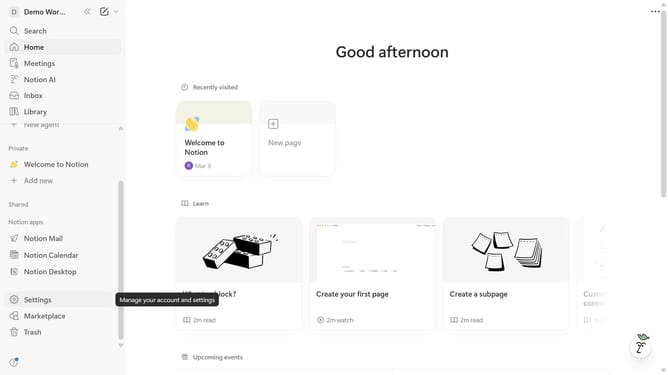
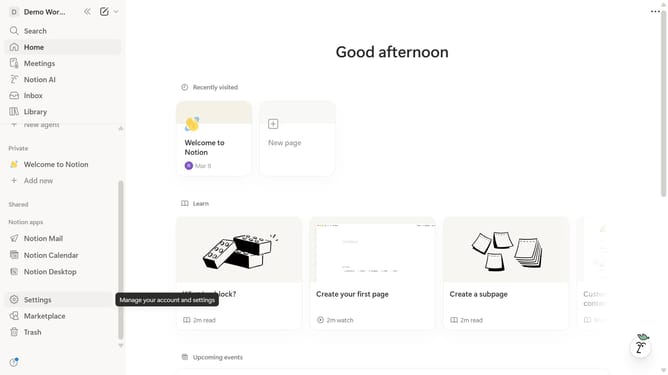
Here is how to add numbered list block in notion
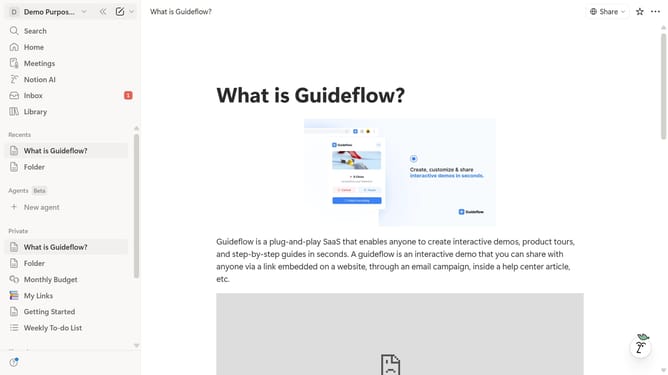
- Then click on the that you want to open in the left sidebar
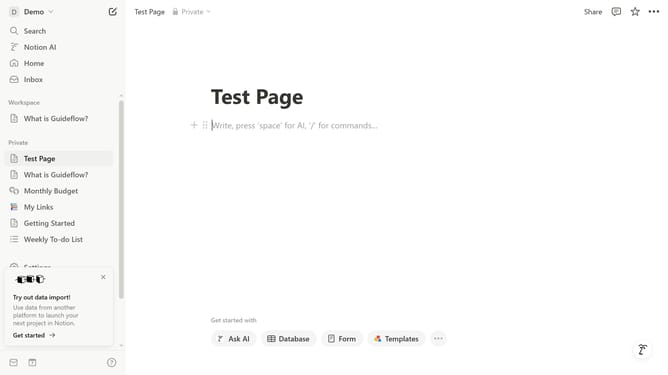
- Then click on the "+" icon overlaid on the page
- Then select "Numbered list" from the context menu
- Now feel free to edit your newly added numbered list block
Why should you add numbered list block in Notion
Notion is a versatile workspace that combines notes, tasks, and databases, enhancing personal and team productivity.
Adding a numbered list block in Notion is intuitive, facilitating organization and clarity in your notes.
This feature allows users to track ideas, prioritize tasks, and present information in a structured manner.
Using numbered lists boosts efficiency, especially when outlining steps or ranking items, making your workflows more streamlined and impactful.
Last update