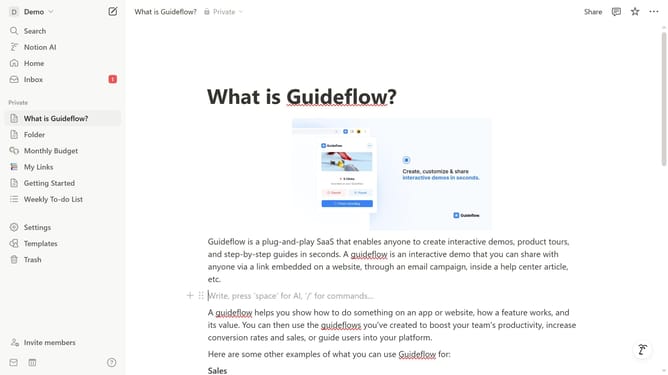
How to disable functional cookies in Notion
Here is how to disable functional cookies in notion
- First click on the workspace menu icon in the top-left header area
- Then click on "Settings" button in the workspace dropdown menu
- Next click on "Preferences" option in the left sidebar menu
- Then click on "Customize" button in the Cookie settings section under Privacy
- Finally turn off the "Functional" toggle in the cookie preferences dropdown menu
Why should you disable functional cookies in Notion
Notion is a versatile digital workspace designed for organizing ideas, tasks, and projects seamlessly.
If you're keen on boosting your privacy while using Notion, knowing how to disable functional cookies is essential. Disabling functional cookies can help minimize data tracking, allowing you to use Notion with increased privacy.
This feature promotes a safer browsing experience, catering to users who prioritize controlling their personal data. By managing cookie settings, you ensure your workflow in Notion stays focused and secure.
Last update