How to print a Notion page
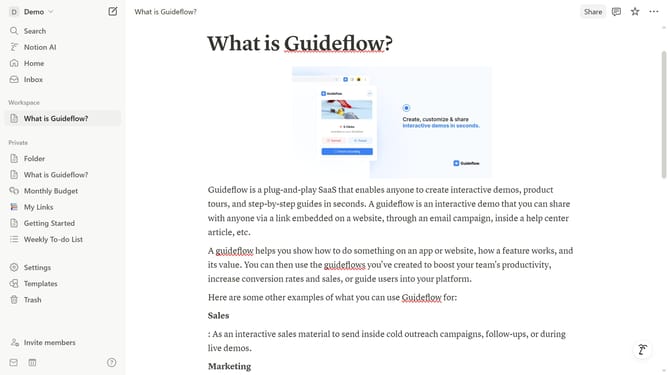
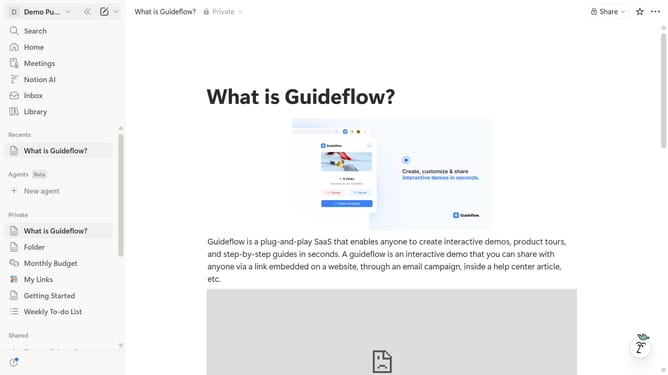
Here is how to print a notion page
- First click on the "..." menu button in the top-right corner of the interface
- Then click on the "Export" option from the dropdown menu
- Next click on the dropdown in the export dialog to select the export format
- In the export format dropdown, click on "PDF" option
- Finally click on the blue "Export" button and print your PDF after downloading
Why should you print a Notion page
Notion is a versatile platform designed to streamline both personal and professional productivity by integrating notes, tasks, and databases into a unified workspace.
Printing a Notion page allows you to transform your digital notes into tangible documents, making it easier to share, review, and annotate offline.
This feature is especially beneficial for team presentations or when you need a physical copy for meetings, ensuring that your well-organized digital content is equally accessible in a print format.
Utilizing the print feature offers ease of distribution and enhances collaboration among team members who prefer paper-based reviews.
Last update