How to change number format in Notion
Here is how to change number format in notion
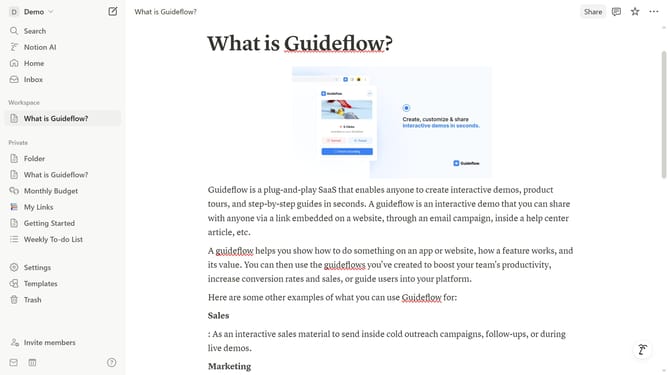
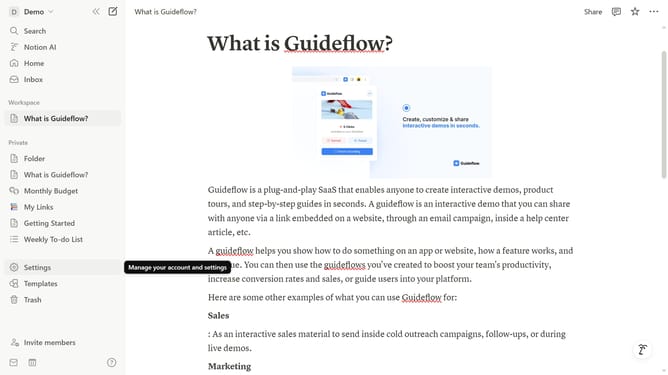
- First click on the workspace menu button in the top navigation bar
- Then click on the "Settings" button in the workspace dropdown menu
- Next click on the "Preferences" option in the settings sidebar
- Then click on the "Number format" dropdown menu in the preferences panel
- Finally select your preferred option from the number format dropdown
Why should you change number format in Notion
Notion is a versatile productivity tool designed to organize your work and life seamlessly.
Among its many features, the ability to change number format in Notion provides great flexibility in data management.
This feature is essential for maintaining consistency in your documents, allowing you to customize number appearances that align with your specific needs, such as different currency symbols or decimal uses.
Utilizing this functionality enhances the clarity and professionalism of your data presentations, ensuring your information is conveyed accurately and effectively.
Last update