How to set year/month/day date format in Notion
Here is how to set year/month/day date format in notion
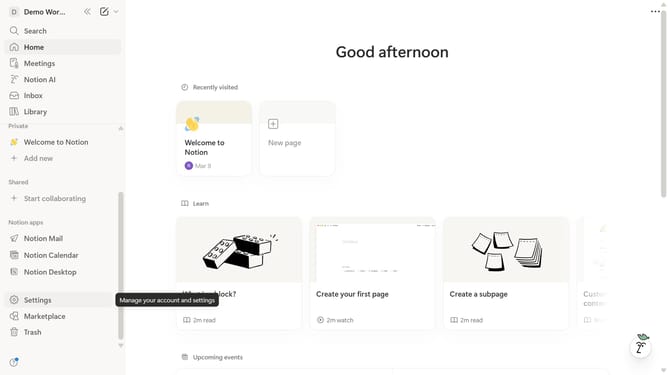
- First click on the workspace switcher icon in the top left corner of the sidebar
- Then click on the "Settings" button in the workspace menu
- Next click on the "Preferences" option in the settings sidebar
- Then click on the "Date format" dropdown menu in the preferences panel
- Finally select the "Year/Month/Day" option from the date format dropdown menu
Why should you set year/month/day date format in Notion
Notion is a versatile digital workspace designed to streamline and enhance your productivity through its customizable interface.
Setting the date format to year/month/day in Notion empowers users with a clear, consistent organization of dates, ideal for those collaborating across different regions or industries where this format is standard.
By using this feature, you ensure that your data presentations are precise and easily understood, reducing confusion and facilitating more effective communication and planning.
Last update