How to set top page in sidebar as open on start in Notion
Here is how to set top page in sidebar as open on start in notion
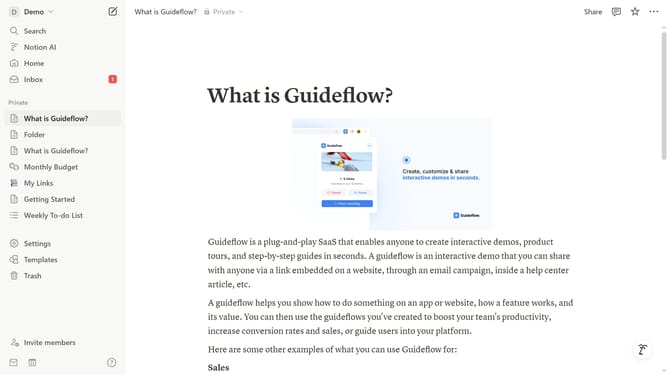
- First click on the workspace menu icon in the top left corner of the header
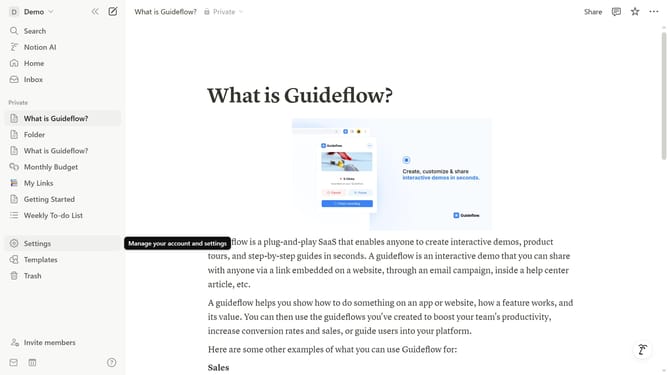
- Then click on the "Settings" button in the workspace dropdown menu
- Next click on the "Preferences" option in the settings sidebar menu
- Then click on the "Open on start" dropdown in the "Desktop app" section
- Finally select the "Top page in sidebar" option from the dropdown menu
Why should you set top page in sidebar as open on start in Notion
Notion is a versatile all-in-one workspace designed to streamline your projects, tasks, and notes seamlessly.
Setting a top page in the sidebar to open at start in Notion can tremendously enhance your workflow efficiency. This feature allows you to prioritize and instantly access your most important page, minimizing the time spent searching through various sections.
By customizing your sidebar, you ensure your productivity essentials are always visible and accessible, facilitating a smoother transition as you commence your day's tasks. This improves focus and helps maintain a consistent workflow, enabling users to maximize the Notion experience.
Last update