How to insert a column left in a table in Notion
Here is how to insert a column left in a table in notion
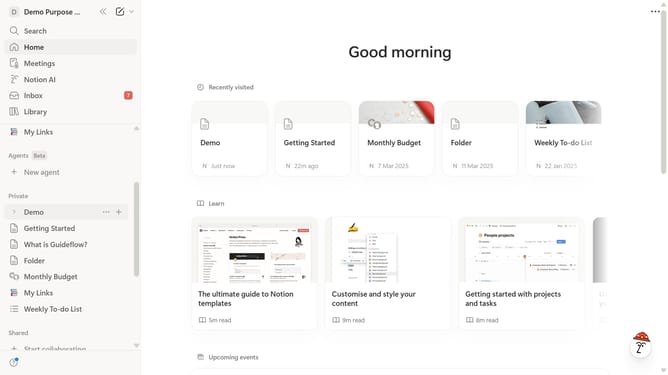
- First click on the page you want to edit in the left sidebar
- Then click on the "..." button next to the column you want to edit
- Finally click on the "Insert left" option in the context menu
Why should you insert a column left in a table in Notion
Notion is an all-in-one workspace designed to help you organize and streamline your workflow seamlessly.
Inserting a column to the left of a table in Notion is a straightforward feature that enhances the flexibility of your data organization.
This tweak allows for efficient restructuring of information, making storage and retrieval more intuitive.
By strategically adding columns, you optimize your table for better clarity and alignment with your ever-evolving project needs.
Last update