How to delete a column in a table in Notion
Here is how to delete a column in a table in notion
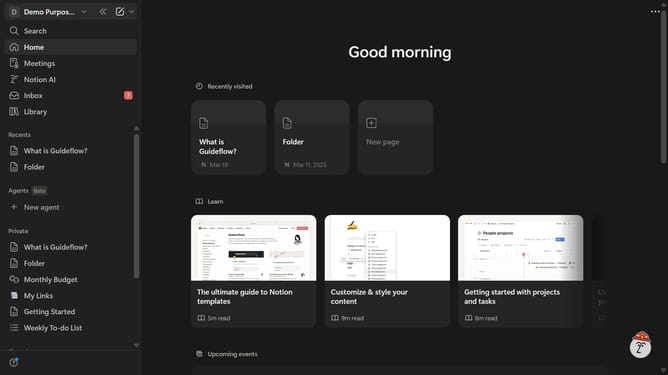
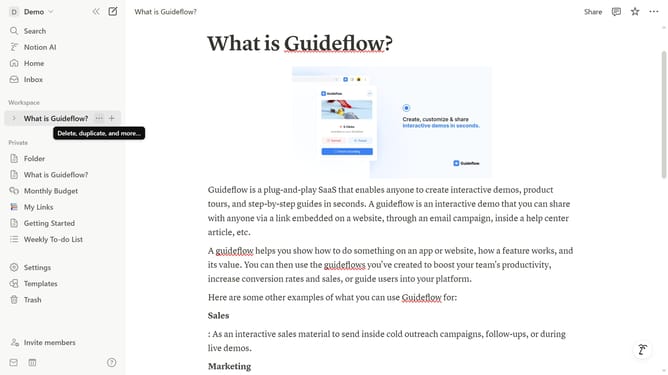
- First open the Notion page containing the table you want to edit.
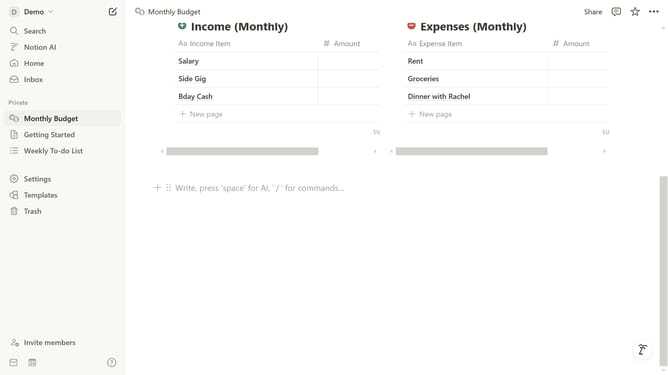
- Then click the six-dot handle icon next to the column header to open more options.
- Finally click on the "Delete" button in the opened menu.
Why should you delete a column in a table in Notion
Notion is a versatile workspace designed to organize and streamline your workflow.
Deleting a column in a table within Notion enhances your data efficiency by quickly removing unnecessary or outdated information.
This feature encourages a clutter-free environment, allowing you to focus on relevant data and insights.
By effortlessly managing table structures, you can maintain a more organized and productive workspace that adapts to your evolving needs.
Last update