How to create a folder in Notion
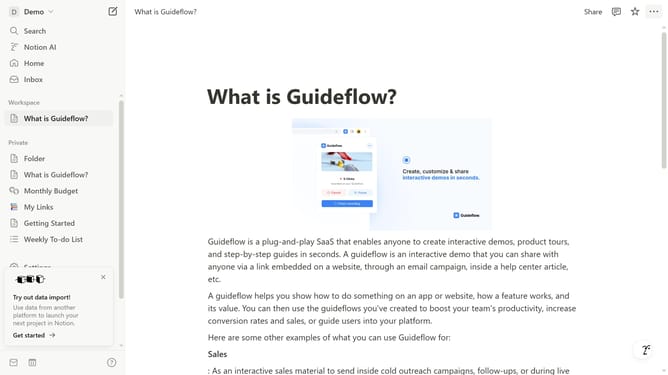
Here is how to create a folder in notion
- First click the "+" button
- Then click on the title text to name your folder
- Next click on the blank space below
- Type "/Page"
- Next click on the "Page" option from the dropdown menu
- Then click on the title text in the new page to name your sub folder
- Finally click on the "Folder" item in the sidebar to expand it
Why should you create a folder in Notion
Notion is a versatile workspace that streamlines organization and enhances productivity.
Creating a folder in Notion is an excellent feature for organizing your notes and projects efficiently. It allows users to group related pages together, making it easier to keep track of various tasks and ideas.
With well-organized folders, collaboration within teams becomes seamless, as everyone can easily navigate and find the necessary information without hassle.
Utilizing folders in Notion transforms chaos into clarity, ensuring a structured approach to managing digital content.
Last update