How to make a checklist in Notion
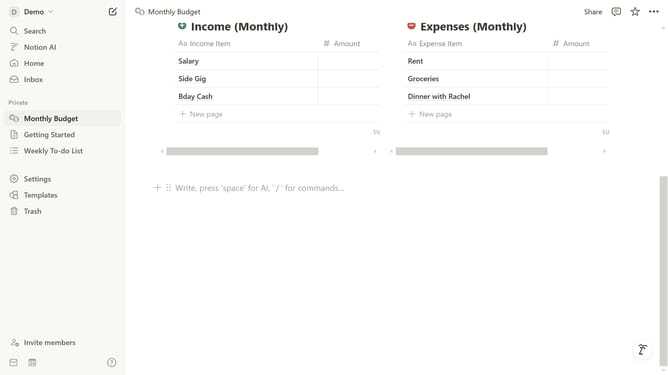
Here is how to make a checklist in notion
- First click on the command input area
- Then type "/checkbox" in the command input field
- Finally click on the "To-do list" option from the filtered results dropdown
Why should you make a checklist in Notion
Notion is a versatile tool designed to bring order and clarity to your digital life.
Creating a checklist in Notion enhances your ability to manage tasks with ease and efficiency. With its intuitive interface, you can effortlessly tick off completed items, which keeps motivation high and progress visible.
Utilizing checklists in Notion allows users to streamline their workflow and focus on priorities, fostering productivity. It organizes your tasks, reducing the overwhelm often accompanying to-do lists.
This feature transforms planning chaos into simplicity, ensuring users stay on top of their tasks effortlessly.
Last update