How to change open on start page in Notion
Here is how to change open on start page in notion
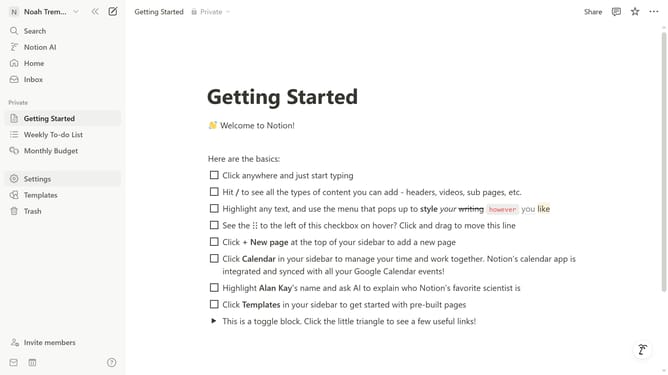
- First click on the workspace menu button in the top header
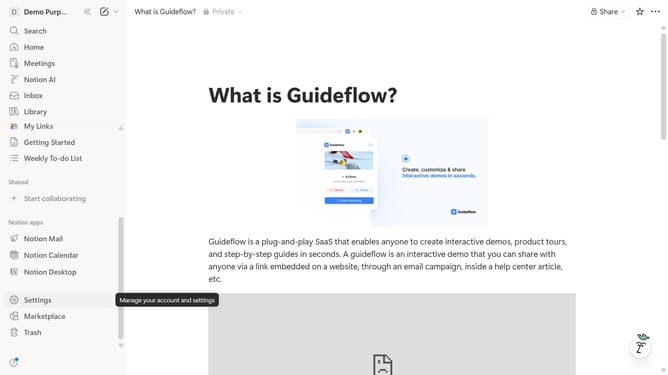
- Then click on "Settings" button in the workspace dropdown menu
- Next click on "Preferences" option in the settings sidebar
- Then click on the "Open on start" dropdown in the preferences panel
- Finally select your preferred option from the dropdown menu
Why should you change open on start page in Notion
Notion is a versatile workspace designed to help you organize every aspect of your life and work effortlessly.
One of the standout features in Notion is the ability to change the open on start page, allowing you to set a custom homepage for your workspace. This means that you can adapt your entry point to suit your workflow, ensuring you land on the most relevant page when you start working.
By personalizing this feature, you remove unnecessary clicks and distractions, streamlining your productivity and keeping your focus on the tasks that matter most to you.
Last update