How to set time zone automatically in Notion
Here is how to set time zone automatically in notion
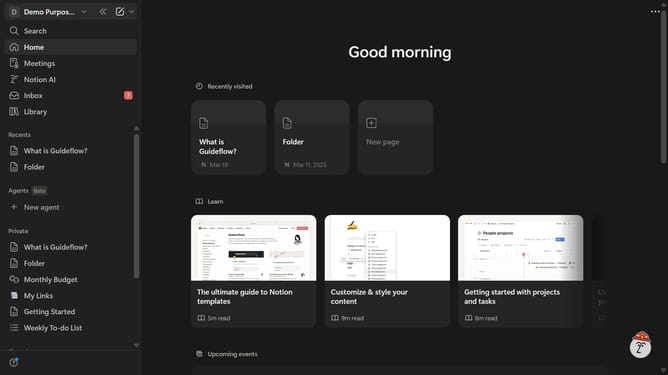
- First click on the workspace menu icon in the header to open the workspace dropdown menu
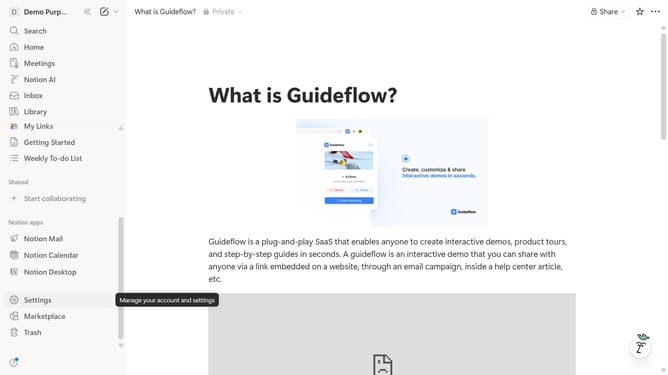
- Then click on "Settings" button in the workspace dropdown menu
- Next click on "Preferences" option in the left sidebar menu
- Finally click on the toggle button for "Set time zone automatically using your location" setting
Why should you set time zone automatically in Notion
Notion is an all-in-one workspace that enhances productivity by organizing your tasks, notes, and projects seamlessly.
Setting your time zone automatically in Notion ensures that all your tasks, reminders, and calendar entries align perfectly, no matter where you are in the world.
This feature is especially beneficial for those working in global teams or traveling frequently, ensuring synchronized schedules and avoiding any time-related discrepancies.
Ultimately, it saves time, boosts efficiency, and enhances collaboration by keeping everyone on the same page effortlessly.
Last update