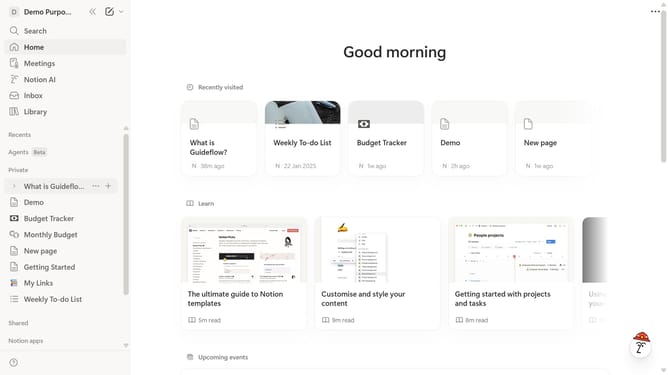
How to add number chart database block in Notion
Here is how to add number chart database block in notion
- First open the page where you want to add the number chart database
- Then click on the "+" icon to add a new block
- Next select "Number chart" from the options in the main section
- Finally choose how to create your database from the available options
Why should you add number chart database block in Notion
Notion is a versatile productivity tool designed to streamline information organization for individuals and teams.
Among its many features, the ability to add a number chart database block stands out, offering a visual and interactive method to track statistics and data insights seamlessly.
This feature is perfect for users aiming to monitor performance metrics or financial data effortlessly, making complex numbers more digestible with its intuitive visualization.
Ultimately, it enhances user experience by turning raw figures into actionable insights, supporting smarter decision-making processes.
Last update