How to set relative date format in Notion
Here is how to set relative date format in notion
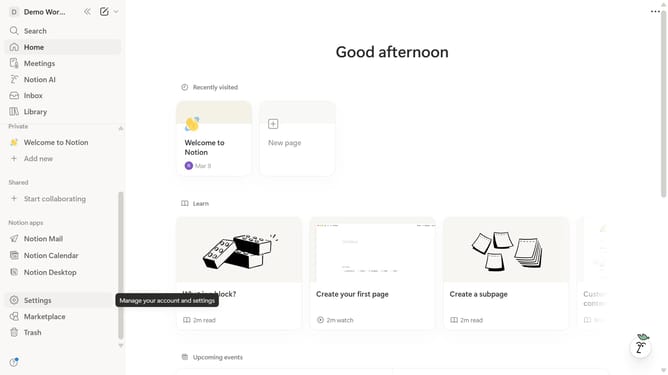
- First click on the workspace menu icon in the top left corner of the header
- Then click on "Settings" button in the workspace menu dropdown
- Next click on "Preferences" option in the left sidebar menu
- Then click on the date format dropdown in the Language and time section
- Finally select "Relative" option from the date format dropdown menu
Why should you set relative date format in Notion
Notion is a versatile app designed to streamline your workflow with seamless note-taking and collaboration.
One of its standout features is the ability to set relative date formats. This allows users to see dates as "today," "yesterday," or "last week," instead of fixed calendar dates.
By opting for relative dates, you effortlessly enhance readability and context awareness, making it easier for you and your team to gauge timelines at a glance. This feature ensures you're always aligned with your tasks and deadlines in a dynamic manner.
Last update