How to remove italic formatting from a Notion table cell
Here is how to remove italic formatting from a notion table cell
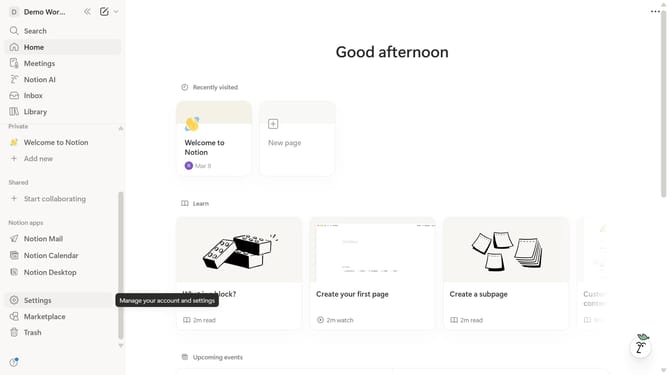
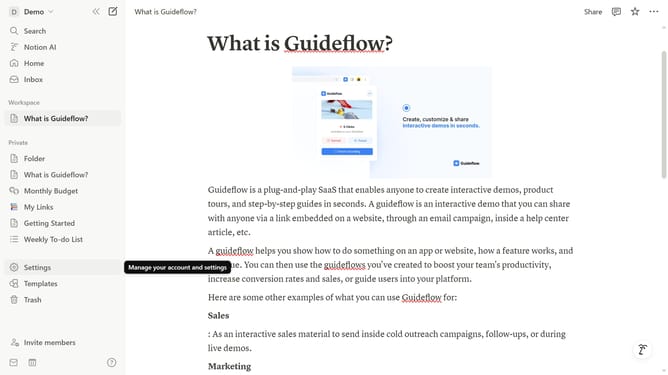
- First open the Notion page containing the table you want to edit
- Then click on the text input field that says "Project Name" in the main content area.
- Finally click on the "Italic" button in the formatting toolbar.
Why should you remove italic formatting from a Notion table cell
Notion is a versatile workspace tool designed to streamline organization and enhance productivity.
When dealing with formatted text in a Notion table cell, knowing how to remove italic formatting can be quite useful. This feature ensures your data maintains a consistent and professional appearance.
Removing italics from table cells helps prevent misinterpretation or distractions caused by unintended emphasis. This clarity enhances comprehension and communication within your teams.
Cleaner formatting contributes to a more organized and visually appealing workspace, promoting efficiency and focus on content.
Last update