How to add vertical bar chart database block in Notion
Here is how to add vertical bar chart database block in notion
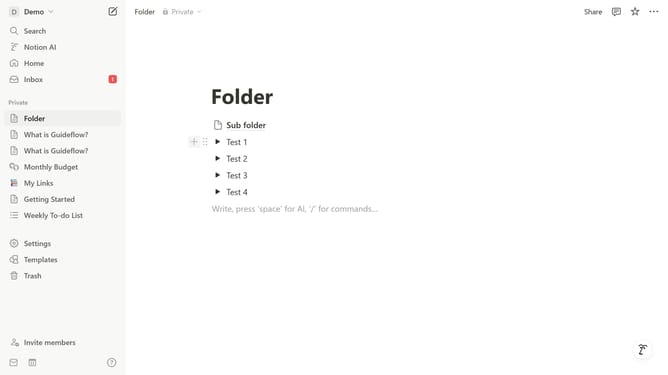
- First open the page where you want to add the vertical bar chart database.
- Then click on the "+" icon to add a new item.
- Finally select "Vertical bar chart" from the dropdown menu.
Why should you add vertical bar chart database block in Notion
Notion is a versatile workspace that integrates notes, tasks, databases, and more to streamline organization and productivity.
Adding a vertical bar chart database block in Notion transforms your data into visual, actionable insights. This feature makes complex information easier to digest at a glance.
It's particularly beneficial in highlighting trends and comparisons, which enhances decision-making and strategic planning.
Ultimately, utilizing this feature enriches your Notion experience, enabling you to communicate data more effectively and efficiently.
Last update