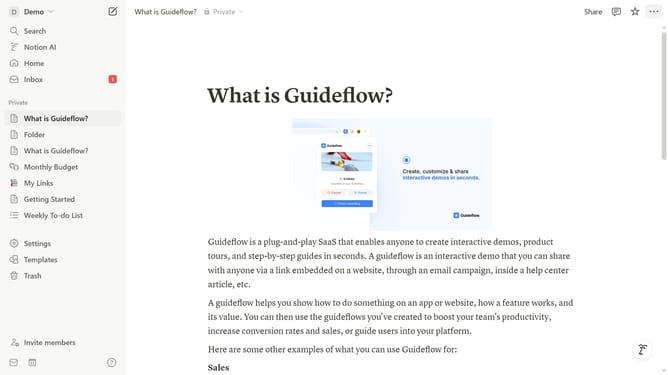
How to set Notion AI as open on start in Notion
Here is how to set notion ai as open on start in notion
- First click on the workspace menu icon in the top-left sidebar
- Then click on "Settings" button in the workspace dropdown menu
- Next click on "Preferences" option in the settings sidebar
- Then click on the "Open on start" dropdown in the Desktop app section
- Finally select "Notion AI" option from the dropdown menu
Why should you set Notion AI as open on start in Notion
Notion is your all-in-one workspace powering collaboration and productivity with unmatched flexibility.
By setting Notion AI to open at startup, you effortlessly streamline your workflow. This feature ensures that your personal digital assistant is ready to boost productivity as soon as you log in.
With Notion AI, you can instantly access customized insights and assistance, making task management and creative projects more efficient. This proactive approach can help optimize your daily routine, keeping productivity levels high and your goals within reach.
Last update