How to enable Product Education updates in Notion
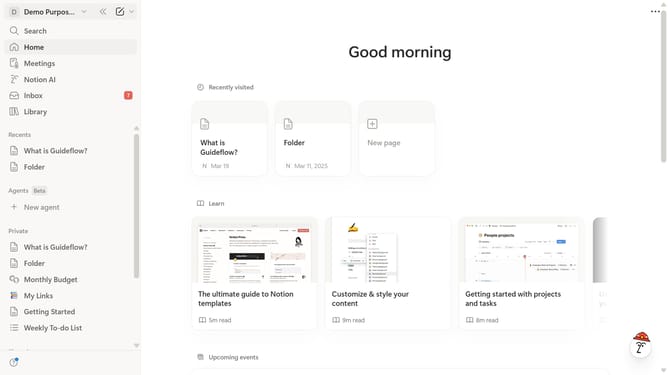
Here is how to enable product education updates in notion
- First click on "Settings" in the sidebar
- Then click on "Notifications" in the settings menu
- Next click on "Manage settings" button in the email notifications section
- Then click on "Product Education" checkbox under Marketing Communications topics
- Finally click on "Save Changes" button at the bottom of the page
Why should you enable Product Education updates in Notion
Notion is a versatile workspace designed to help you organize your life and work in one seamless platform.
Enabling Product Education updates in Notion keeps you informed about the latest features and how to use them effectively. This proactive feature ensures you are always up-to-date with tools that enhance productivity.
Staying informed means you can optimize your workflow, reduce time spent on tasks, and leverage Notion's offerings to their fullest potential. Empower yourself with the knowledge to work smarter, not harder.
Last update