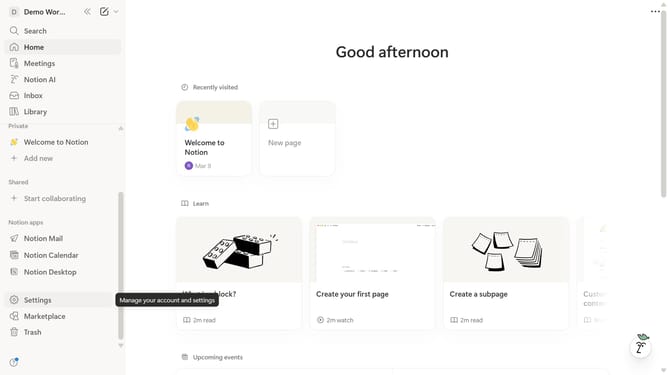
How to reset background color in a Notion table cell
Here is how to reset background color in a notion table cell
- First open the Notion page containing the table you want to edit
- Then click on the "Project Name" cell in the main content area
- Next click on the "A" icon with a red underline in the toolbar
- Finally click on the first square icon with a red underline in the "Default background colour" section
Why should you reset background color in a Notion table cell
Notion is a versatile tool designed to streamline your workflow through its all-in-one workspace capabilities.
Resetting the background color in a Notion table cell is a simple yet efficient feature that enhances clarity and visual appeal.
By restoring the default color, you can maintain a clean and consistent look throughout your table, ensuring that your data remains the focal point.
This functionality is especially beneficial for those who frequently update or modify data, providing a fresh and organized appearance with minimal effort.
Last update