How to add Streak Share embed block in Notion
Here is how to add streak share embed block in notion
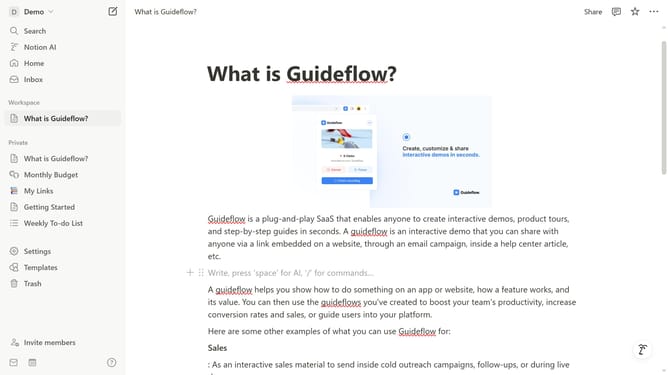
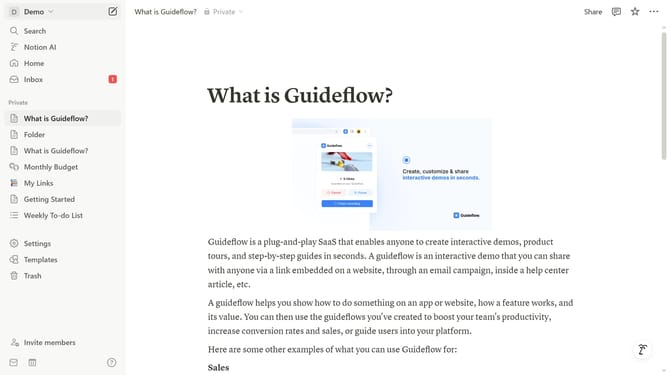
- First open the page where you want to add the Streak Share embed block
- Then, click on the "+" button to add a new block
- Next, type "Streak Share" into the search bar that appears in the main content area
- Finally click on "Streak Share" in the filtered results
Why should you add Streak Share embed block in Notion
Notion is a versatile workspace that consolidates notes, tasks, databases, and collaboration tools to enhance productivity.
Adding a Streak Share embed block in Notion enriches this collaboration by enabling seamless inline visualization of your Streak app data.
This feature creates a dynamic link between your customer relationship management data and your organizational hub, offering a comprehensive overview at a glance.
The integration allows for easy tracking and sharing of CRM insights, promoting more informed and productive decision-making processes within your team.
Last update