How to integrate Plus in Notion
Here is how to integrate plus in notion
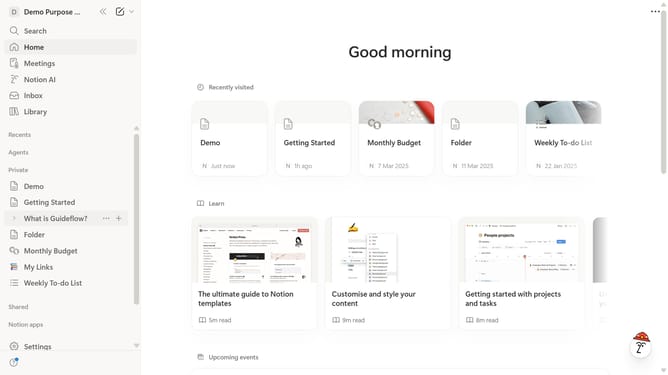
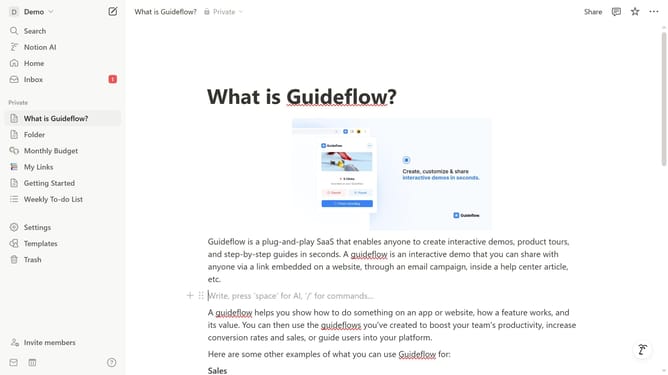
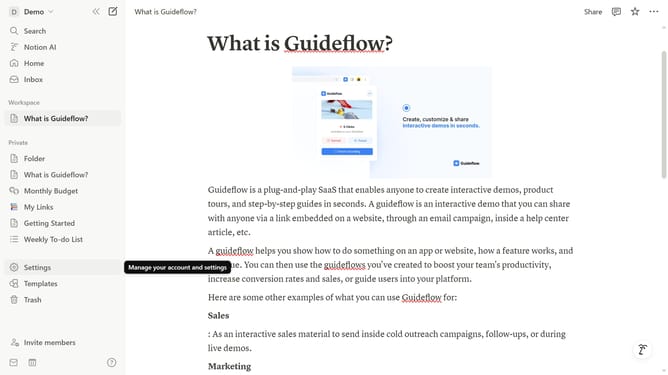
- First click on "Settings" in the sidebar
- Then click on "Connections" in the account settings menu
- Next click on "See all" button to expand the connections list
- Finally click on "Connect" button for the Plus integration
Why should you integrate Plus in Notion
Notion is a versatile workspace designed to streamline your productivity by consolidating notes, tasks, and projects.
Integrating Plus into Notion enhances this dynamic platform by introducing more robust data visualization capabilities. With Plus, users can bring richer insights directly into their Notion pages, creating a more holistic view of information. This synergy allows for real-time data analysis without leaving the Notion ecosystem.
Using Plus within Notion not only optimizes data management but also fosters collaborative efficiency by ensuring all team members have access to updated, visually engaging data. This integration ultimately saves time and promotes informed decision-making.
Last update