How to disable open links in desktop app in Notion
Here is how to disable open links in desktop app in notion
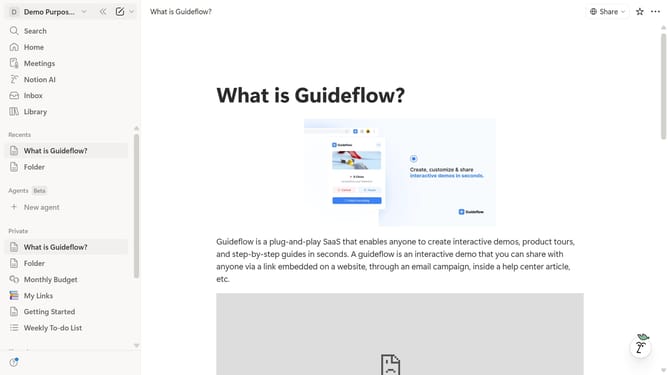
- First click on the workspace menu toggle button in the top header
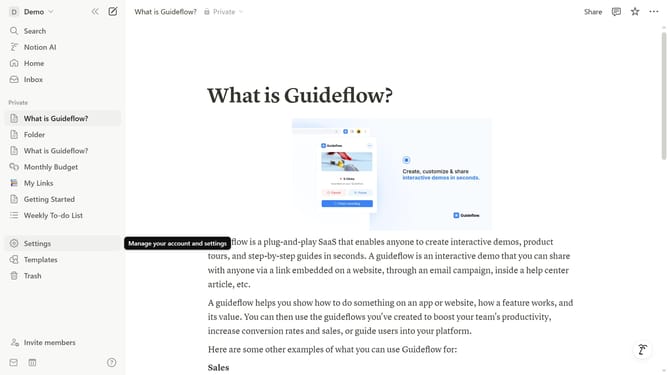
- Then click on "Settings" button in the workspace dropdown menu
- Next click on "Preferences" option in the settings sidebar
- Finally disable the toggle switch next to "Open links in the desktop app" in the Desktop app section
Why should you disable open links in desktop app in Notion
Notion is an all-in-one workspace that enhances productivity by integrating note-taking, task management, and collaboration.
The option to disable open links in the desktop app of Notion provides users with the flexibility to control their browsing experience. It ensures links open in your preferred web browser, allowing for a streamlined workflow.
This feature is particularly beneficial for those who manage multiple browser environments or wish to maintain a consistent online experience without unnecessary app switches.
By enabling this setting, users can keep their workspace tidy and focused, enhancing overall efficiency and productivity.
Last update