How to add Jira preview embed block in Notion
Here is how to add jira preview embed block in notion
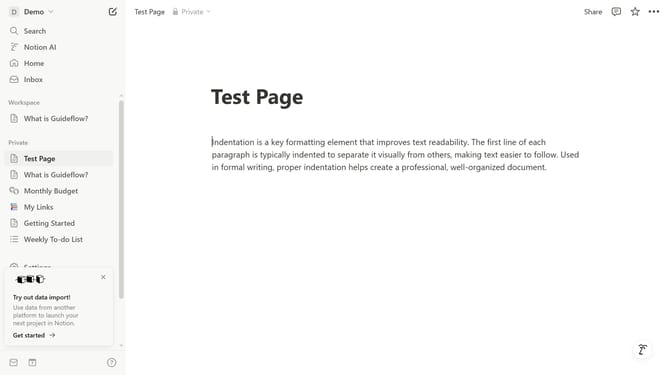
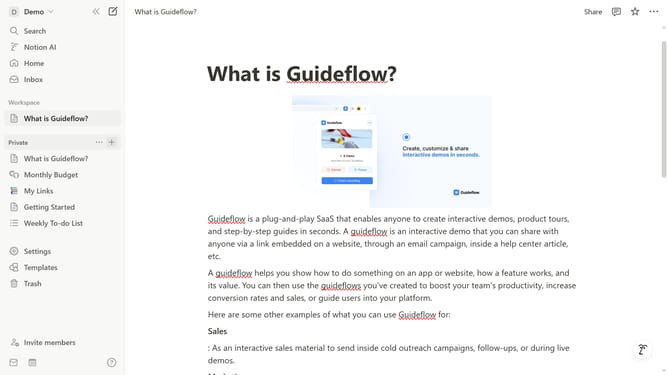
- First open the page where you want to add the Jira preview embed block
- Then, click on the "+" button to add a new block
- Next, type "Jira" into the search bar that appears in the main content area
- Finally, select "Jira preview (Data center)" from the dropdown menu
Why should you add Jira preview embed block in Notion
Notion is a versatile workspace designed to streamline organization and enhance productivity.
Adding a Jira preview embed block in Notion bridges the gap between project management and comprehensive documentation.
This integration allows users to visually track issues and tasks directly within Notion, fostering a seamless workflow.
By embedding Jira previews, teams can improve collaboration and decision-making with all relevant information available in one centralized platform.
Last update