How to add SendOwl embed block in Notion
Here is how to add sendowl embed block in notion
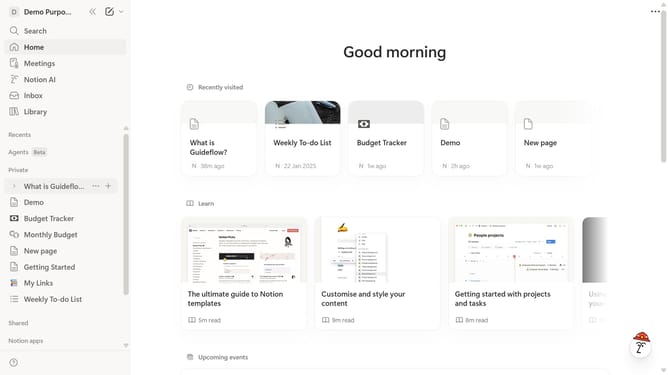
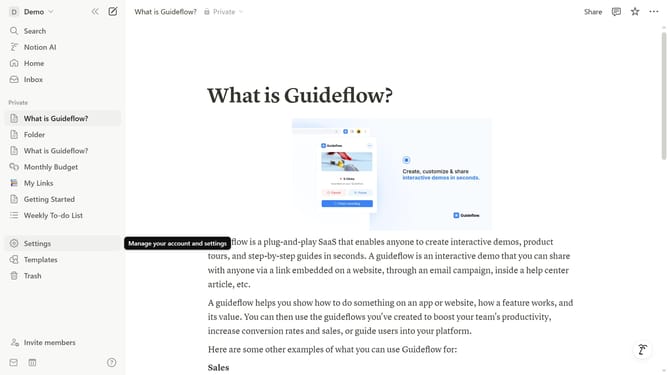
- First open the page where you want to add the SendOwl embed block
- Then, click on the "+" button to add a new block
- Next, type "SendOwl" into the search bar that appears in the main content area
- Finally click on "SendOwl" in the filtered results
Why should you add SendOwl embed block in Notion
Notion is a versatile platform designed to streamline various aspects of personal and work life through organized collaboration.
Adding a SendOwl embed block into Notion enhances your workspace by effortlessly integrating digital product sales into your workflow.
This functionality empowers users to seamlessly manage e-commerce tasks directly within Notion's intuitive environment.
It offers the convenience of keeping all related processes in one space, boosting productivity and ensuring a smoother operational experience.
Last update