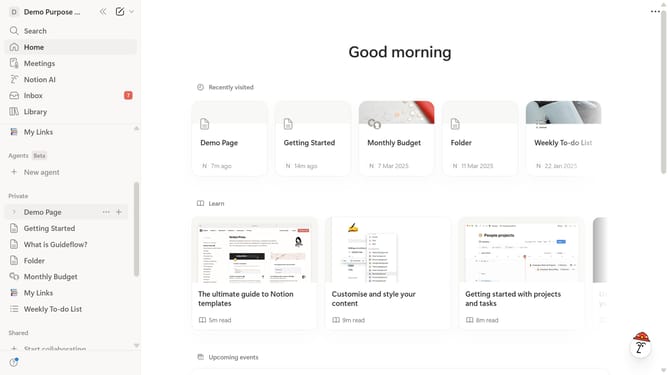
How to add 2 columns block in Notion
Here is how to add 2 columns block in notion
- First open the page where you want to add the 2 columns block
- Then click on the "+" icon to add a new block
- Finally select "2 columns" from the block options
Why should you add 2 columns block in Notion
Notion is a versatile digital workspace that effortlessly organizes your thoughts, projects, and teamwork.
The ability to add a 2 columns block in Notion is a game-changer for those who crave organization and clarity. This feature allows users to create visually appealing layouts that enhance document readability.
Using a 2 columns block, you can compare information side-by-side, making it ideal for tasks like budget planning, project timelines, or gathering research notes. It simplifies complex data and boosts productivity by keeping everything at your fingertips in a clean, structured manner.
Incorporating this feature fosters a more engaging and efficient workspace, perfectly tailored to users' needs.
Last update