How to add ClickUp embed block in Notion
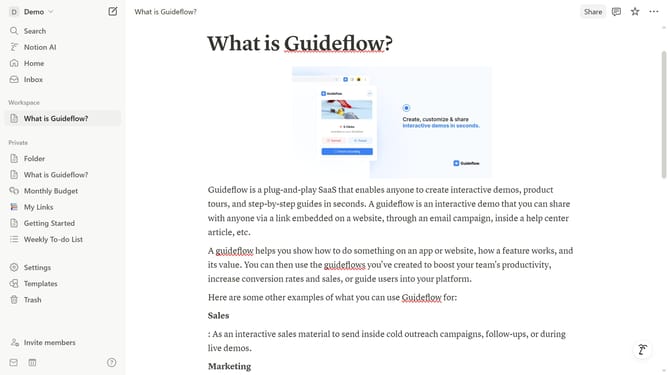
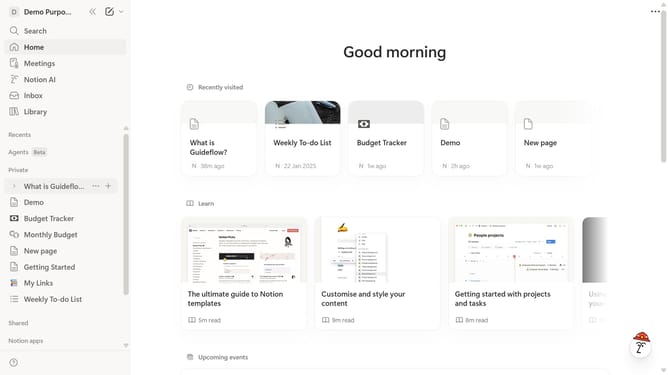
Here is how to add clickup embed block in notion
- First open the page where you want to add the ClickUp embed block
- Then click on the "+" icon
- Next type "ClickUp" in the search input field
- Finally click on "ClickUp" in the filtered results
Why should you add ClickUp embed block in Notion
Notion is a versatile workspace designed to streamline organization and collaboration.
Integrating ClickUp tasks directly into Notion enhances your productivity by bringing all your tasks and projects into one place.
This feature allows you to visualize and manage ClickUp data without leaving Notion, simplifying your workflow and enhancing efficiency.
By embedding ClickUp blocks within Notion, you create a seamless integration that supports better focus and improved task management, making team collaboration more cohesive.
Last update