How to enable User Research and Surveys updates in Notion
Here is how to enable user research and surveys updates in notion
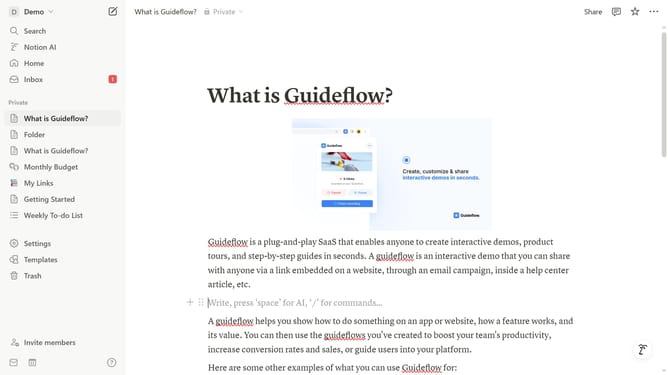
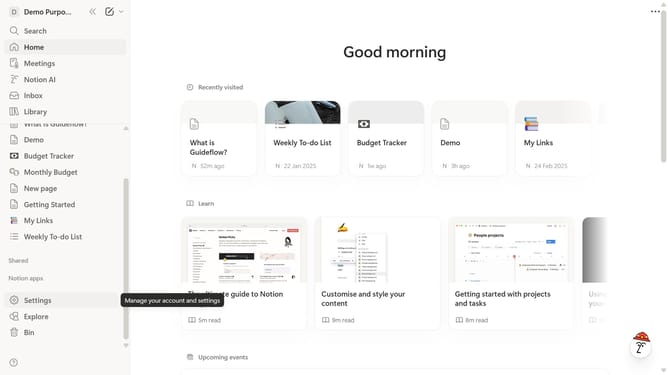
- First click on "Settings" in the sidebar
- Then click on "Notifications" in the settings menu
- Next click on "Manage settings" button in the notifications section
- Then click on "User Research and Surveys" checkbox under Marketing Communications topics
- Finally click on "Save Changes" button at the bottom right
Why should you enable User Research and Surveys updates in Notion
Notion is a flexible and comprehensive workspace that blends your daily tasks, notes, and projects seamlessly.
Enabling User Research and Surveys updates in Notion enriches your understanding of your users' needs and enhances collaborative insights.
Utilizing these updates helps you gather valuable feedback, streamline decision-making, and boost collaboration efficiency.
By integrating research and survey updates, Notion becomes an indispensable tool for teams aiming for data-driven success.
Last update