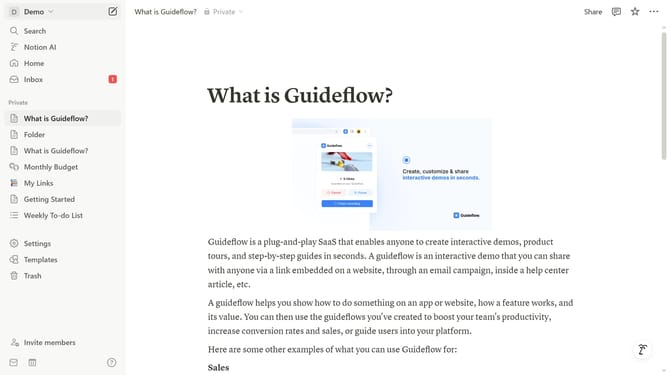
How to disable Events and Resources updates in Notion
Here is how to disable events and resources updates in notion
- First click on "Settings" in the sidebar
- Then click on "Notifications" in the settings menu
- Next click on "Manage settings" button in the notifications section
- Then uncheck "Events and Resources" checkbox under Marketing Communications topics
- Finally click on "Save Changes" button to apply the modifications
Why should you disable Events and Resources updates in Notion
Notion is a versatile workspace tool designed to organize your life and work seamlessly in one place.
The option to disable Events and Resources updates in Notion enhances focus by minimizing distractions from notifications that may not be essential to your workflow.
This feature empowers users with greater control over their notification preferences, fostering a more personalized and efficient workspace.
By customizing your updates, you can concentrate on what truly matters, ensuring a streamlined and clutter-free working environment.
Last update