How to duplicate a row in a table in Notion
Here is how to duplicate a row in a table in notion
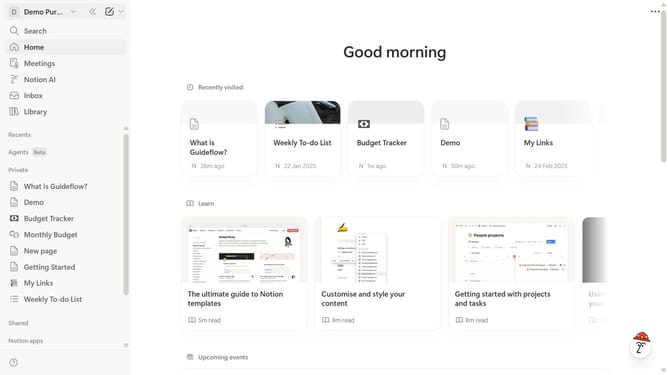
- First click on the page you want to edit in the left sidebar.
- Then click on the row to open the row options.
- Finally, select "Duplicate" from the context menu.
Why should you duplicate a row in a table in Notion
Notion is a versatile tool designed to streamline and enhance your productivity by organizing your tasks, notes, and projects all in one place.
A key feature of Notion is its ability to duplicate rows within a table effortlessly, giving you the flexibility to seamlessly manage and replicate data when needed.
This feature is particularly beneficial when dealing with recurring tasks, ensuring consistency without the hassle of recreating information from scratch.
By using the duplicate row function, users save valuable time while maintaining accuracy, making it an invaluable feature for efficient project management and data tracking in any workflow.
Last update