How to disconnect Trello integration in Notion
Here is how to disconnect trello integration in notion
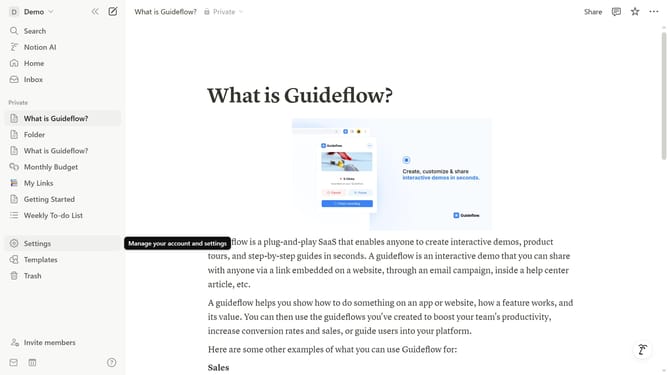
- First click on "Settings" in the sidebar to open settings and preferences
- Then click on "Connections" in the settings navigation menu to view integration options
- Next click on the more options button (three dots icon) next to the Trello connection
- Then click on "Disconnect account" from the dropdown menu that appears
- Finally click on "Yes" button in the confirmation dialog to confirm disconnecting the Trello account
Why should you disconnect Trello integration in Notion
Notion elegantly combines all your workspaces into one seamless platform for enhanced productivity.
Disconnecting Trello from Notion is a simple feature that ensures you can manage your projects with flexibility and peace of mind. It allows you to remove unnecessary integrations, helping maintain a clutter-free environment.
With this feature, you gain the freedom to focus on your tasks in a more streamlined manner, reducing distractions and optimizing your workflow. In essence, it's about having more control and a tailored approach to your digital workspace.
Last update