How to enable always send email notifications in Notion
Here is how to enable always send email notifications in notion
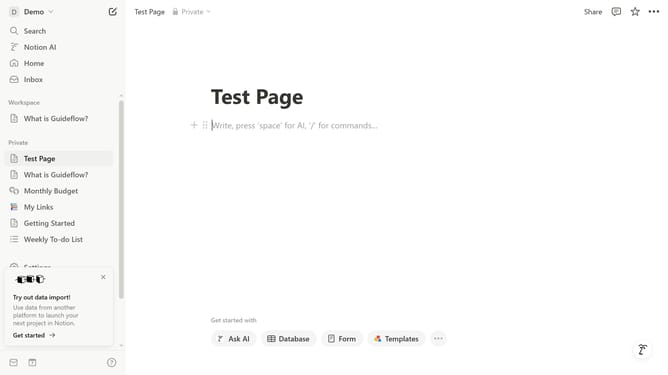
- First click on the "Demo" workspace dropdown button in the top-left sidebar
- Then click on the "Settings" button in the workspace menu
- Next click on the "Notifications" option in the Account settings sidebar
- Finally toggle on the "Always send email notifications" option
Why should you enable always send email notifications in Notion
Notion is an all-in-one workspace designed to streamline your note-taking, project management, and collaboration needs.
Enabling the "Always Send Email Notifications" feature in Notion ensures you never miss vital updates, even when you're away from the app. This feature acts as a reliable backup, sending important notifications directly to your email.
By activating this option, you stay informed about changes or mentions in shared projects, boosting your efficiency and keeping your workflow uninterrupted. It's a smart way to enhance communication and ensure that you’re always in the loop, fostering a more connected and productive team environment.
Last update