How to disable people directory in Notion
Here is how to disable people directory in notion
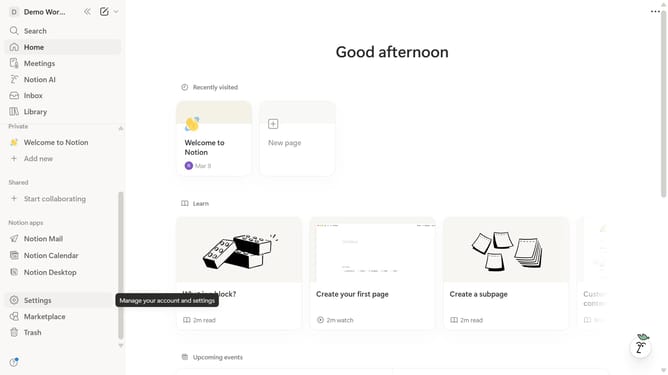
- First click on the workspace menu button in the top left header
- Then click on the "Settings" button in the workspace dropdown menu
- Next click on the "General" option in the workspace settings sidebar
- Finally disable the "People directory" toggle switch in the People section
Why should you disable people directory in Notion
Notion is a versatile workspace designed to organize your life and work efficiently.
One of its features, the People Directory, can be managed to better suit your team's privacy needs.
Disabling this feature enhances privacy by limiting access to user information, maintaining a focused and distraction-free environment.
It puts control back into your hands, ensuring that sensitive data remains protected while keeping collaboration seamless and efficient.
Last update