How to add page block in Notion
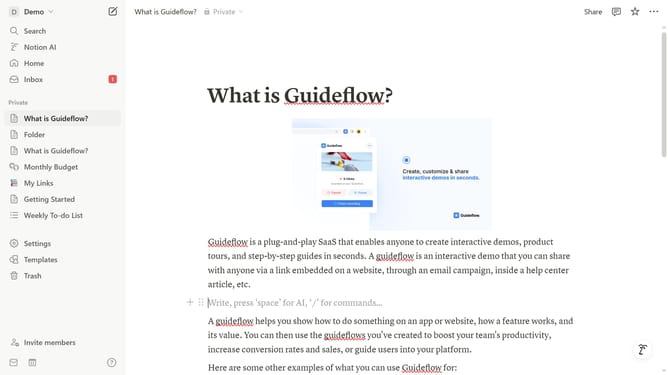
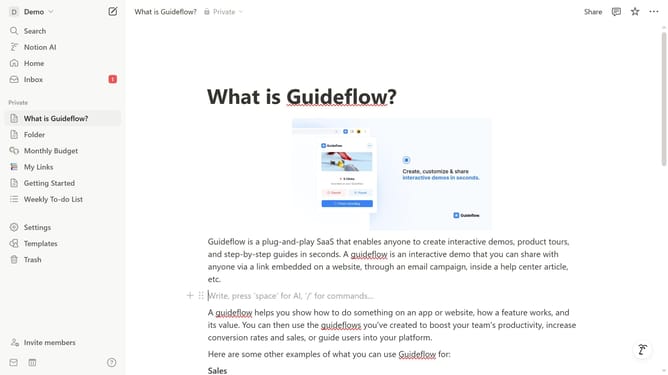
Here is how to add page block in notion
- First open the page where you want to add the page block.
- Then click on the "+" button to add a new item.
- Finally select "Page" from the dropdown menu in the main content area.
Why should you add page block in Notion
Notion is a versatile productivity tool designed to streamline your organizing, planning, and collaboration needs.
Adding a page block in Notion allows for a dynamic, customizable space to expand upon ideas and projects. This feature is integral for users looking to create detailed documentation or organize complex projects in a simplified manner.
Leveraging page blocks maximizes flexibility, enabling users to customize layouts seamlessly, making information more accessible and improving workflow efficiency. These blocks facilitate collaboration and ensure that all essential components of a project are consolidated into an organized space.
Last update