How to add AI block in Notion
Here is how to add ai block in notion
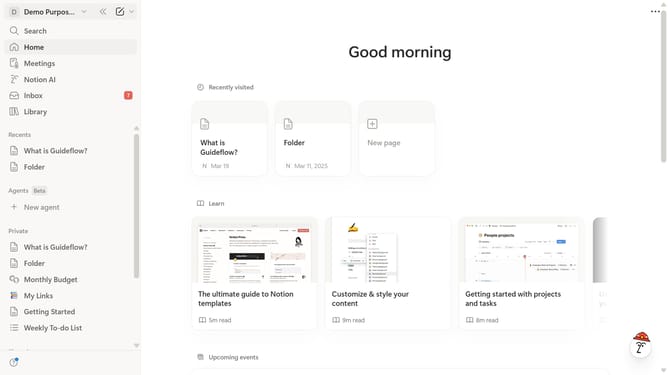
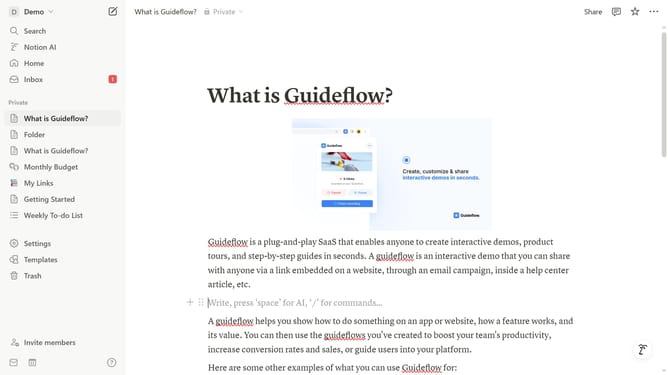
- First open the page where you want to add the AI block
- Then click on the "+" button in the main content area
- Finally select "AI Block" item from the dropdown menu
Why should you add AI block in Notion
Notion is a versatile platform designed to bring clarity and organization to your personal and professional life.
One of the standout features is the ability to add AI blocks, a powerful way to enhance productivity and creativity.
By incorporating AI blocks into your workspace, you unlock an advanced tool that assists in generating insights, summarizing content, and suggesting improvements.
This feature empowers users to streamline workflows, making project management more efficient and intuitive.
Embrace this capability to elevate your Notion experience with seamless integration and intelligent support.
Last update