How to set month/day/year date format in Notion
Here is how to set month/day/year date format in notion
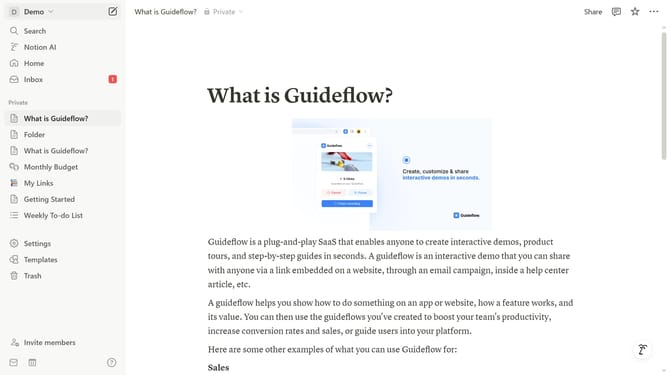
- First click on the workspace selector button in the header
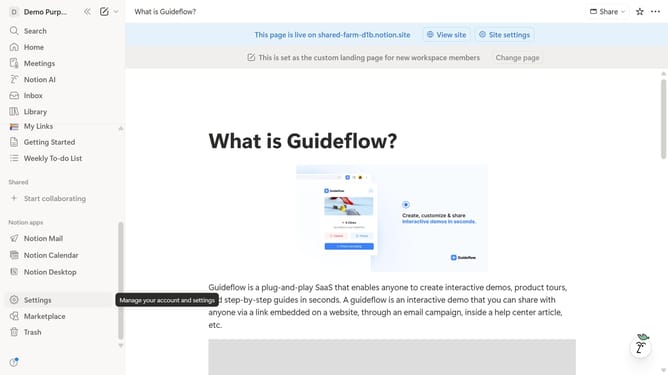
- Then click on the "Settings" button in the workspace dropdown menu
- Next click on the "Preferences" option in the settings sidebar
- Then click on the Date format dropdown
- Finally select the "Month/Day/Year" option from the date format dropdown menu
Why should you set month/day/year date format in Notion
Notion is a versatile workspace designed to help streamline your organization and productivity.
One of its valuable features includes customizing date formats, specifically setting the month/day/year format.
This feature enhances clarity and consistency, particularly if you're collaborating internationally with users accustomed to different date standards.
By tailoring your experience in Notion, you're ensuring better understanding and reducing the chances of miscommunication, maximizing efficiency and precision.
Last update