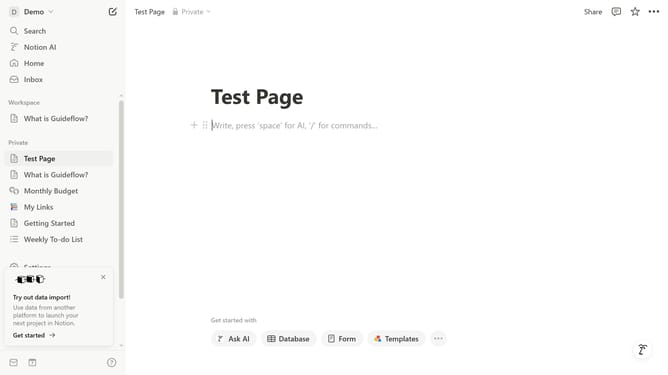
How to add toggle list block in Notion
Here is how to add toggle list block in notion
- First open the page where you want to add the toggle list block.
- Then click on the add block icon in the main content area
- Next, select "Toggle list" from the block type menu.
- Finally type your content in the newly created toggle list block.
Why should you add toggle list block in Notion
Notion is a powerful tool designed to streamline your productivity by blending notes, tasks, and databases into one cohesive workspace.
The toggle list block is an innovative feature within Notion that enhances both organization and clarity. By allowing users to create expandable and collapsible lists, this function helps in decluttering pages and maintaining a visually neat interface.
Utilizing toggle lists can significantly improve focus, as essential details can be hidden until needed, reducing cognitive overload and facilitating a smoother workflow.
Last update