How to disable User Research and Surveys updates in Notion
Here is how to disable user research and surveys updates in notion
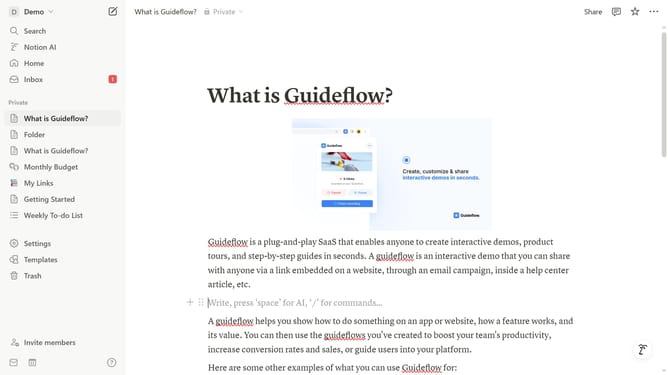
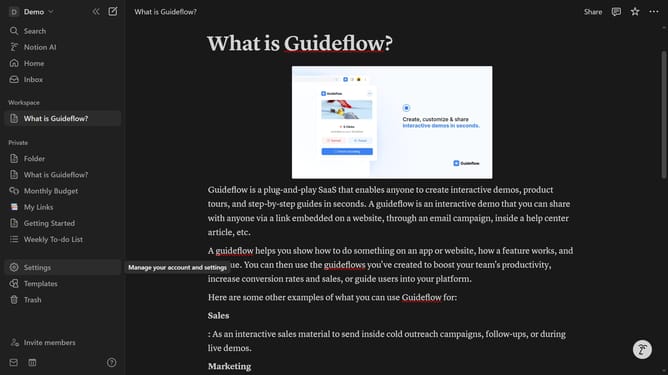
- First click on "Settings" in the sidebar
- Then click on "Notifications" in the settings menu
- Next click on "Manage settings" button in the notifications section
- Then click on "User Research and Surveys" checkbox to deselect it
- Finally click on "Save Changes" button to confirm the changes
Why should you disable User Research and Surveys updates in Notion
Notion is a versatile workspace designed to streamline personal and team productivity by integrating notes, tasks, and databases in one place.
One beneficial feature within Notion is the option to disable User Research and Surveys updates. This feature empowers users to maintain focus and limit distractions, enhancing workflow efficiency.
Disabling these updates allows for a more personalized and uninterrupted experience, ensuring that users engage with the platform on their own terms.
Embracing this control can significantly contribute to a more tailored and efficient use of Notion's comprehensive workspace capabilities.
Last update