How to turn off header row in a table in Notion
Here is how to turn off header row in a table in notion
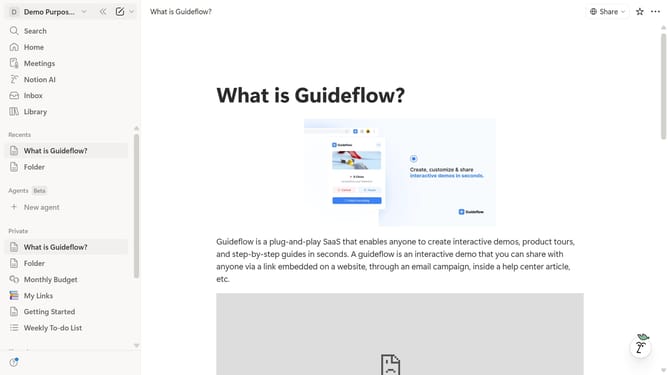
- First click on the page you want to edit in the left sidebar.
- Then click on the "..." button next to the row that you want to edit.
- Finally, toggle off the "Header row" option from the dropdown menu.
Why should you turn off header row in a table in Notion
Notion is an all-in-one workspace designed to simplify organization and collaboration.
Turning off the header row in a Notion table is a feature that streamlines table views by removing the default bolded header. This becomes particularly useful when the header row is not needed, allowing more space for data or content.
The ability to turn off the header row ensures that tables remain versatile and adaptable to various content needs. This feature enhances user control, making data presentation more flexible and aesthetically aligned with personal or project requirements.
Last update