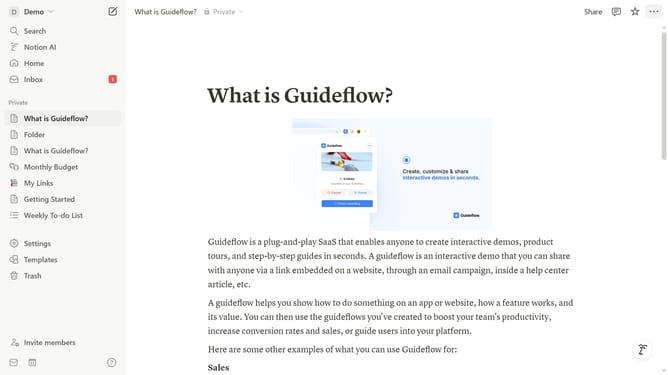
How to integrate Streak Share in Notion
Here is how to integrate streak share in notion
- First click on "Settings" button in the sidebar
- Then click on "Connections" item in the Account settings menu
- Next click on "See all" button to view all available connections
- Finally click on "Connect" button for the Streak Share integration
Why should you integrate Streak Share in Notion
Notion is a versatile tool designed to streamline productivity by organizing tasks, notes, and projects all in one place.
Integrating Streak Share with Notion can enhance your workflow by allowing for seamless sharing of progress and achievements within your tasks and projects.
This integration facilitates improved team collaboration and motivation as members can see each other's progress and milestones in real-time.
By combining the capabilities of Streak Share with Notion, you create a transparent and dynamic workspace that boosts efficiency and morale.
Last update